













For architecture, engineering, construction (AEC), manufacturing, and design firms, large-format printing isn’t occasional. It’s part of the daily workflow. Blueprints, construction drawings, CAD plans, schematics, GIS maps, renderings, and presentation graphics all need to be printed accurately, and often on short notice.
That raises a common question: should your business invest in in-house large-format printing, or keep sending jobs to a third-party print shop?
Outsourcing can make sense if you only print a few large-format documents a year. But for firms that print regularly, owning or leasing a large-format plotter often pays for itself through lower cost per print, faster turnaround, and better control over your documents. Below, we break down the eight biggest advantages, explain how to calculate whether a plotter makes financial sense for your firm, and answer the most common questions we hear from customers.
1. Print On Demand, Not On Someone Else’s Schedule
The biggest advantage of an in-house plotter is immediate access.
Say a drawing is revised at 3:00 p.m. and your project manager needs updated plans for a client meeting or jobsite visit the next morning. With an outside print provider, you’re dependent on their queue, their hours, and their delivery schedule.
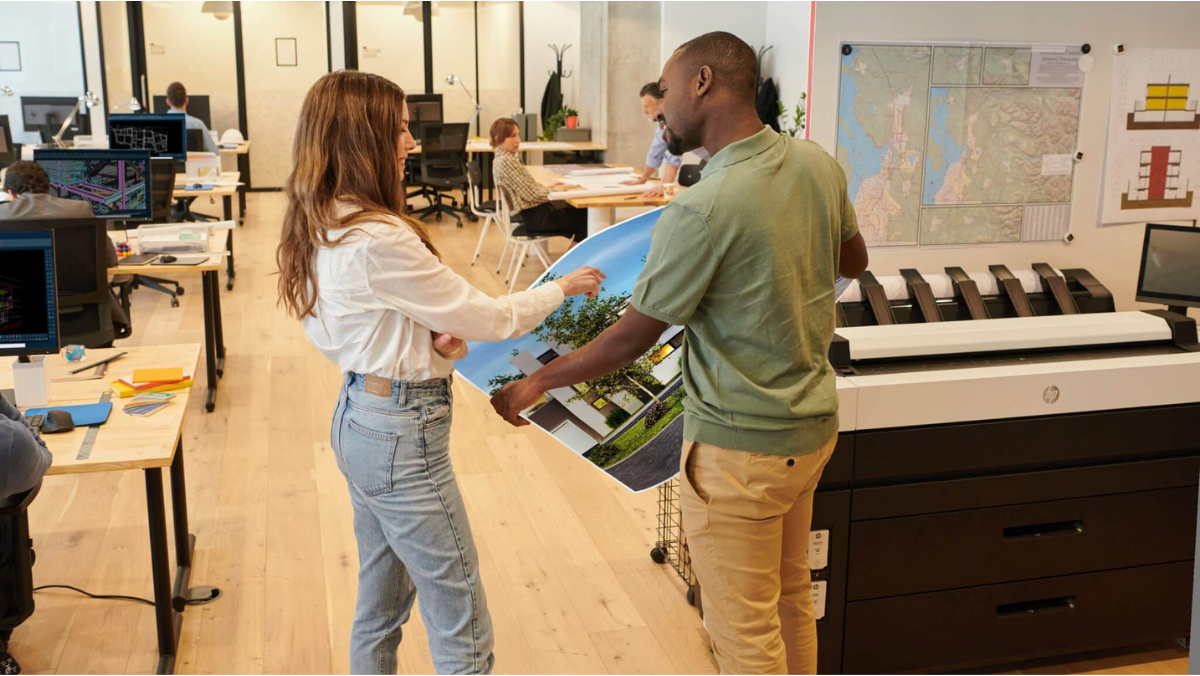
With an in-house large-format printer, your team can print updated drawings in minutes. No uploading files, submitting orders, waiting on production, coordinating pickup, or paying for delivery.
For construction and engineering teams, faster access also means the people in the field are working from the most current drawings, which reduces costly mistakes caused by outdated plans.
2. Lower Your Cost Per Print
Outsourcing can look inexpensive when you’re comparing the price of a single print. But those costs add up fast when your firm produces hundreds or thousands of drawings a year.
And the print itself is only part of the bill. Outsourced large-format printing often comes with:
- Delivery charges and rush fees
- Minimum-order requirements
- Employee travel time for pickups
- Administrative time spent submitting and tracking orders
An in-house plotter requires an upfront investment (or a predictable monthly lease payment), but once it’s in place, your ongoing costs are mainly ink or toner, media, and maintenance. The more you print, the lower your effective cost per print becomes, and the stronger the financial case for bringing printing in-house.
3. Handle Last-Minute Revisions Without the Headache
Anyone who works with construction documents or CAD drawings knows revisions are constant. A dimension changes. A client requests an adjustment. An engineer issues a revision. Someone spots an error an hour before a meeting.
When printing is outsourced, every one of those changes means another upload, another order, another wait, and another invoice.
With an in-house plotter, your team makes the revision, sends the file to the printer, and has an updated set in hand almost immediately. When deadlines are tight, that flexibility is invaluable.
4. Maintain Full Control Over Print Quality
Technical drawings demand precision. Line weight, readability, color accuracy, and scale all matter.
Printing in-house lets your team choose the right paper type, size, color settings, and quality level for each project. More importantly, problems get caught right away. If a line prints too light, a drawing is scaled incorrectly, or a detail doesn’t display properly, you can fix the file and reprint in minutes instead of starting a new order with an outside vendor.
5. Keep Confidential Drawings Secure
Many firms handle drawings that contain confidential or proprietary information. Construction plans may reveal building layouts or security systems. Manufacturers print proprietary product designs. Engineering firms work on confidential client projects, some with government or contractual security requirements.
Every time those files go to a third party, another organization is handling your data and your physical prints.
In-house large-format printing keeps you in control of where files are stored, who can access them, and how printed copies are handled. Many modern plotters, including several HP DesignJet T-Series models, also include security features such as encrypted drives, user authentication, and secure print release. For firms with strict confidentiality obligations, this alone can justify the investment.
6. Boost Employee Productivity
The true cost of outsourcing isn’t just the print shop invoice. It’s the employee time behind every order.
Someone has to prepare files, upload them, enter specifications, communicate with the vendor, check the order, arrange delivery or pickup, and distribute the finished prints. If staff are driving to a print shop to pick up plans, the lost productivity adds up even faster.
With an in-house plotter, the workflow is simple: select the file, choose your settings, and print. Your architects, engineers, and project managers get back to billable work instead of managing print orders.
7. Print Only What You Need and Reduce Waste
Outsourcing tends to encourage over-ordering. Teams print extra sets “just in case” to avoid placing another order later, and then a revision makes half of them obsolete.
In-house printing makes true on-demand printing practical. Instead of producing 20 sets because you might need them, print five today and more later if needed. On projects with frequent revisions, that reduces paper waste, saves money, and cuts down on outdated drawings circulating through your office and jobsites.
8. Modern Large-Format Printers Are Easier Than Ever to Manage
Some firms hesitate because they remember older plotters that were slow, complicated, and constantly needed attention. Today’s large-format printers are a different story.
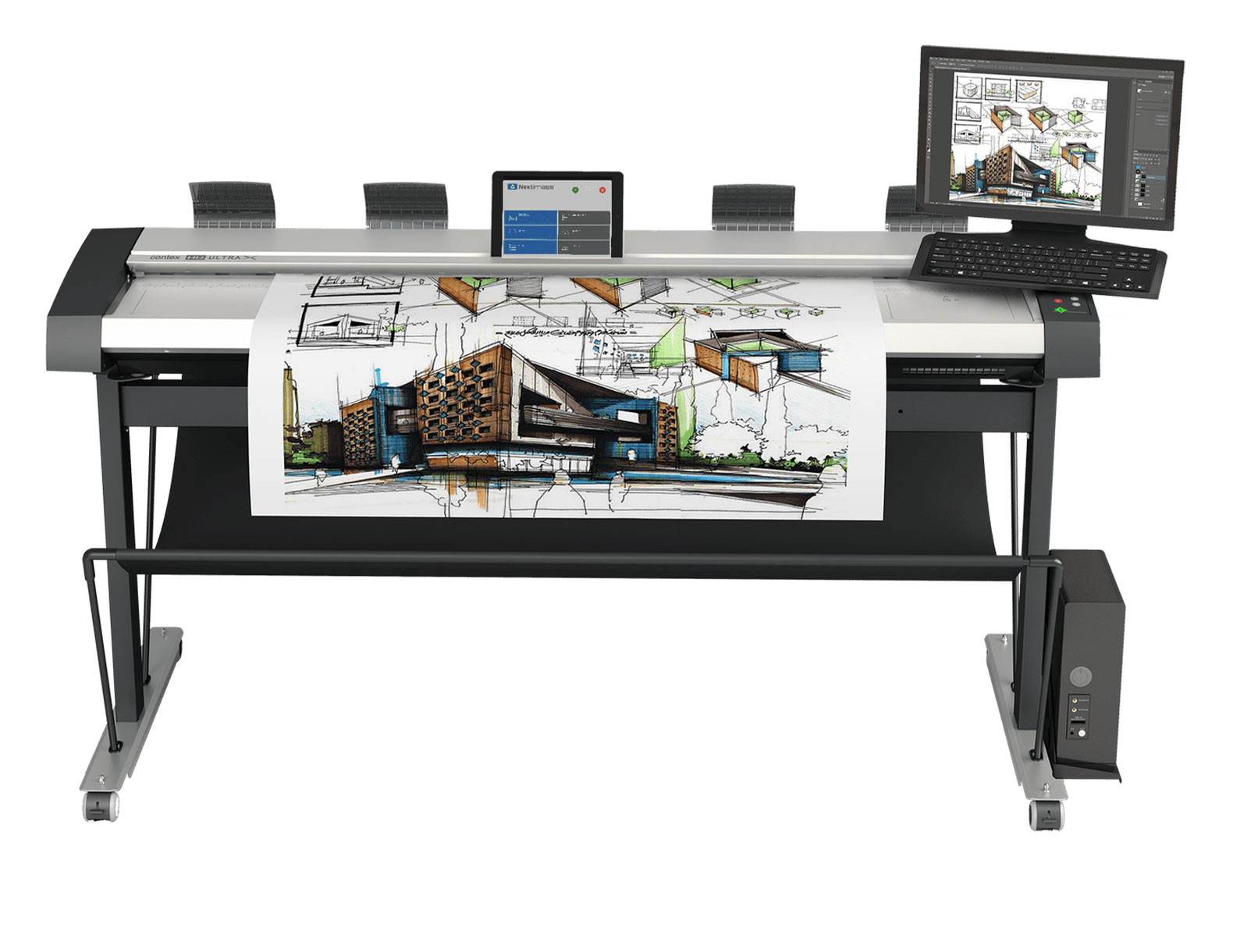
Current models from manufacturers like HP and Canon offer fast print speeds, intuitive touchscreens, automatic media handling, cloud and network connectivity, mobile and remote print submission, and simple ink or toner replacement. Many are also available as large-format multifunction printers (MFPs) that combine printing, scanning, and copying in one system, which is ideal for digitizing legacy drawings or marking up as-builts.
The result is equipment that most employees can operate with minimal training.
How to Know If an In-House Plotter Makes Sense for Your Business
Outsourcing isn’t always the wrong choice. If your firm prints only a handful of large-format documents each year, a local print provider may be the most practical option.
But the math changes as volume grows. To find out where your firm stands, compare your total annual outsourcing cost against the total cost of ownership (TCO) of an in-house plotter.
Your annual outsourcing cost should include:
- Print shop invoices for the past 12 months
- Delivery, rush, and minimum-order fees
- Employee time spent preparing, submitting, and picking up orders
- The cost of project delays and reprinting revised drawings
Your in-house plotter cost should include:
- Purchase price or monthly lease payment
- Ink or toner and media (paper, film, etc.)
- Service and maintenance agreement
- Any software or workflow tools
If your current outsourcing spend is close to, or higher than, the annual cost of owning or leasing a plotter, bringing printing in-house is likely to pay off, and the speed, security, and productivity benefits come on top of that.
Frequently Asked Questions
How much does it cost to print in-house vs. outsourcing?
It depends on your volume, print sizes, and color needs. In general, in-house printing costs less per print once volume is high enough to offset the equipment investment. The best approach is to compare your last 12 months of outsourcing expenses with the total cost of ownership of a plotter that fits your needs.
Is it better to buy or lease a large-format plotter?
Buying typically delivers the lowest long-term cost, while leasing spreads payments into a predictable monthly expense and makes upgrades easier. The right choice depends on your cash flow, tax situation, and how long you plan to keep the equipment.
What’s the difference between a plotter and a large-format printer?
Today, the terms are mostly used interchangeably. “Plotter” originally referred to pen-based devices that drew vector lines, but modern “plotters” are wide-format inkjet or toner printers designed for CAD drawings, blueprints, maps, and graphics.
What size large-format printer do I need?
Most AEC firms choose a 24-inch or 36-inch model. A 36-inch printer handles standard ARCH D and ARCH E1 sheets, while a 24-inch model is a good fit for smaller drawings and limited space. Firms that print a lot of full-size sets may also want a multi-roll model.
Can a large-format printer also scan?
Yes. Many large-format multifunction printers include built-in scanners, letting you digitize paper drawings, copy marked-up sets, and share files electronically, all from one device.
The Bottom Line
Choosing between outsourcing and in-house large-format printing isn’t just about the price of a single sheet. It’s about cost, speed, control, productivity, security, and convenience.
For firms with consistent large-format printing needs, an in-house plotter can eliminate the delays and hidden costs of outsourcing while giving your team the ability to produce critical documents whenever they need them.
Before you buy, evaluate your print volume, required sizes, color needs, scanning requirements, workflow, and total cost of ownership. The right large-format solution should do more than print drawings. It should make your entire document workflow faster, easier, and more cost-effective.
Find the Right Large-Format Plotter with Source Graphics
Since 1989, Source Graphics has helped architecture, engineering, construction, and manufacturing firms across Southern California find, install, and support the right large-format printing and scanning solutions. Our team can review your current print volume and outsourcing costs, recommend the right plotter for your workflow, and back it up with factory-certified service, supplies, and maintenance after installation.
Contact Us
"*" indicates required fields
