












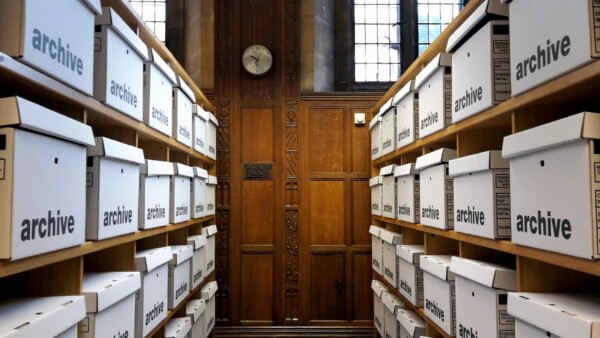
Walk into the archive room of almost any engineering firm, municipality, university, library, or manufacturer, and you’ll find decades of information stored on paper. Blueprints, maps, engineering drawings, books, bound records, newspapers, photographs, and technical manuals often fill entire rooms.
That information can be extremely valuable. But there’s one big problem: there may be only one physical copy.
As more organizations move to digital workflows, digitization is about much more than getting rid of paper. It’s about preserving information, improving access, protecting originals, and making decades of knowledge available to the people who need it. Purpose-built equipment like WideTEK large-format scanners and BookTEK book scanners makes that transition practical. Below, we cover why digitizing your archive matters, which scanner fits which documents, and how to get a project started.
Paper Has a Lifespan. Information Doesn’t Have To.
Paper fades, tears, creases, turns brittle, and suffers water damage. For an organization that has collected records for 50, 75, or even 100 years, some of those documents may be impossible to replace.
Consider an engineering drawing for a building constructed in 1965. The building may still be standing, but the firm that designed it could be long gone. If that drawing is damaged or lost, recreating the information could be extremely difficult.
Digitizing the drawing creates an electronic record that can be preserved, backed up, duplicated, and accessed without handling the original again. The paper may eventually deteriorate, but the information on it doesn’t have to disappear with it.
Turn the Archive Room into a Digital Archive
Blueprint cabinets, filing cabinets, shelving, boxes, and rolled drawings can take over entire rooms. Finding one document can become a project of its own: walk to the archive, find the right cabinet, dig through drawings, pull the sheet, make a copy, and put the original back.
A well-organized digital archive changes that. Instead of flipping through hundreds of drawings, employees can search by project name, address, drawing number, department, date, or document type. A document that once took 20 minutes to find can be on screen in seconds.
That isn’t just a storage improvement. It’s a workflow improvement.
Large-Format Documents Need Large-Format Scanners
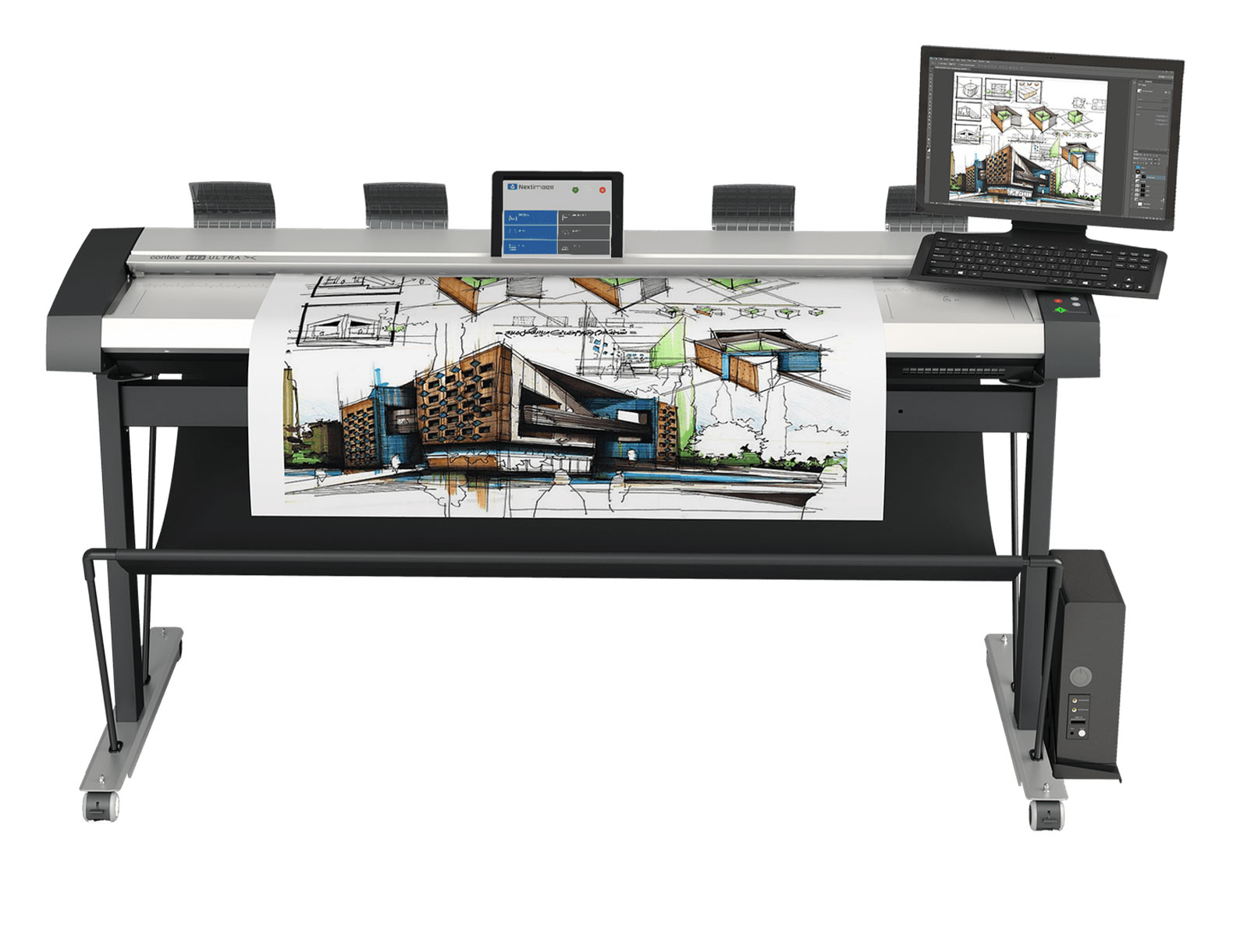
Standard office scanners work well for letter- and legal-size pages. But what happens when the document is 24, 36, or 48 inches wide?
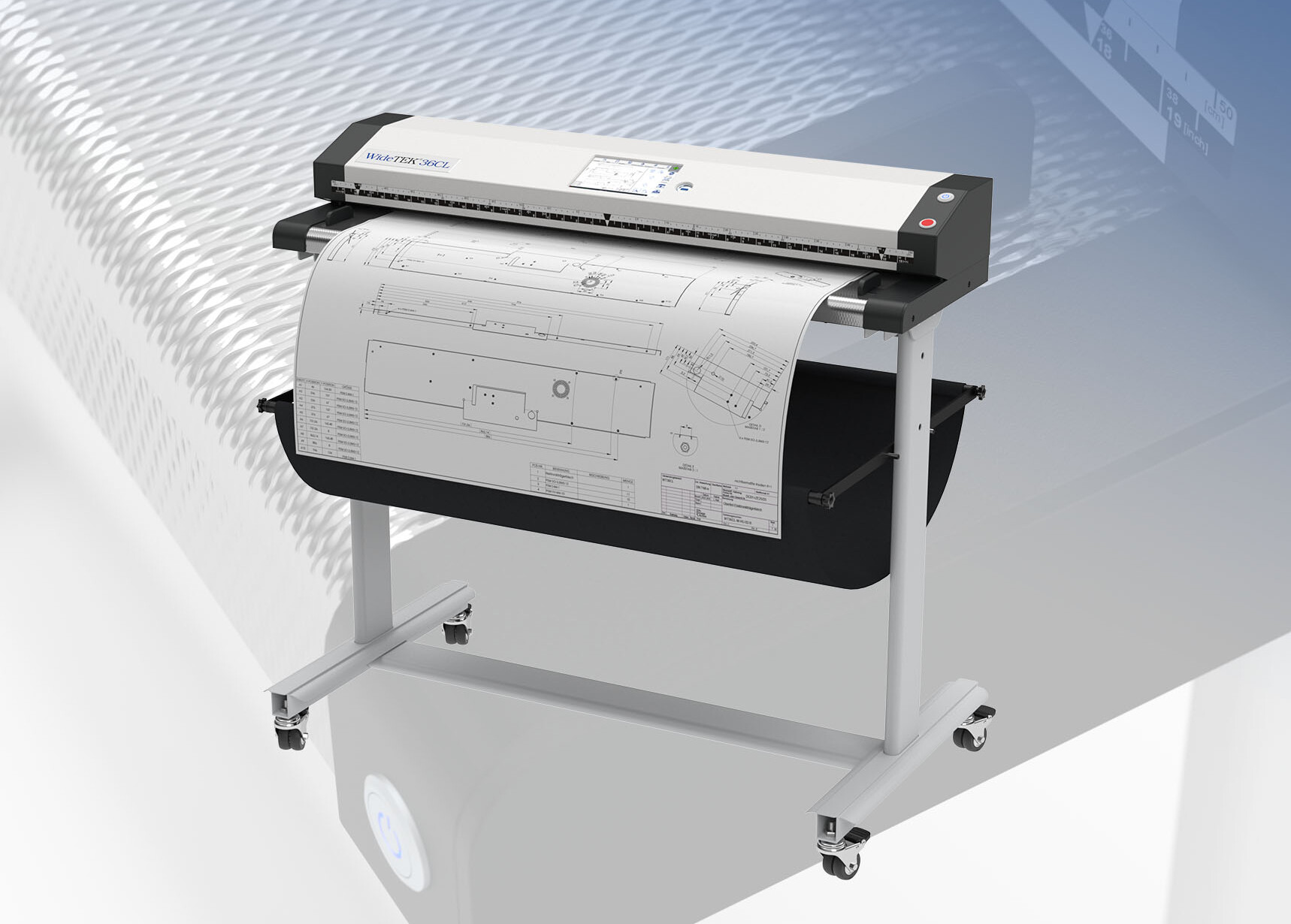
That’s where dedicated large-format scanners come in. WideTEK scanners are built for oversized originals, with models that handle documents up to 36, 44, 48, and 60 inches wide. Common applications include:
- Architectural drawings and engineering plans
- Blueprints and technical drawings
- Maps and GIS documents
- Posters and artwork
- Newspapers, historical records, and other oversized originals
Instead of shrinking, folding, photographing, or stitching together sections of a large document, you capture it in one high-quality digital reproduction. For firms with thousands of legacy drawings, that capability can become the foundation of a major digitization project.
Not Everything Can Be Fed Through a Scanner
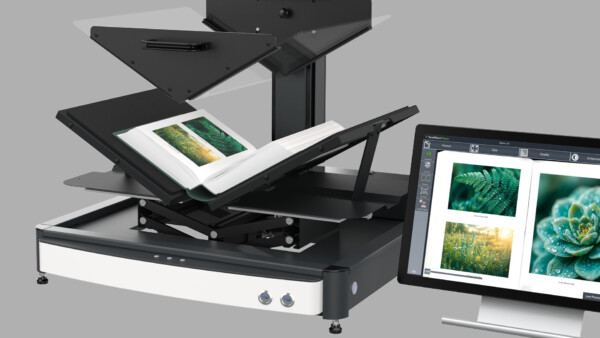
Some of the most valuable documents can’t, or shouldn’t, go through rollers. Books, bound records, fragile documents, and delicate historical materials need a different approach.
That’s where BookTEK book scanners come in. They capture bound and sensitive materials from above, so the original never travels through a sheet-fed paper path. Models like the BookTEK 5 V2 offer a V-shaped book cradle that supports a book’s spine while it’s scanned. That makes book scanners a strong fit for:
- Libraries, universities, and museums
- Archives and historical societies
- Government agencies
- Corporate archives and legal and records departments
A century-old book shouldn’t have to be taken apart just to be digitized. Purpose-built book scanning preserves the content while protecting the physical original.
Make Information Accessible to More People
A physical document can only be in one place at a time. A digital file doesn’t have that limit.
Picture a city that keeps its historical infrastructure maps at city hall. An engineer needs a map. So does a public works employee, and so does a project manager working remotely. With a paper archive, everyone works around the single original.
Once the map is digitized and stored in your approved document management system, authorized users can open it without passing a fragile original from person to person. That becomes more valuable as teams spread across offices, jobsites, campuses, and remote locations.
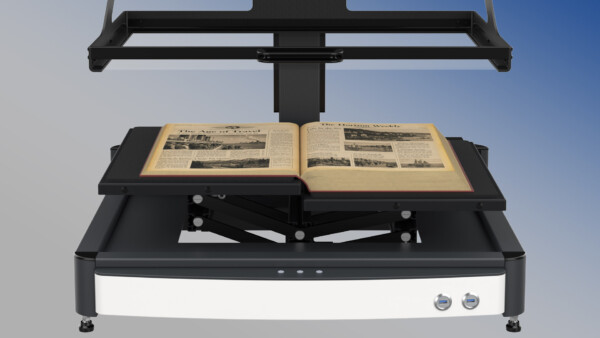
Protect Fragile Originals by Handling Them Less
Digitizing doesn’t mean throwing away the original. Often, it’s the best way to preserve it.
Once a high-quality digital copy exists, employees, researchers, students, and customers can work from the file while the original stays safely in storage. For rare books, historical records, old maps, and fragile drawings, less handling is a key part of long-term preservation.
Create a Backup Before Disaster Strikes
Physical archives are vulnerable. Fire, flooding, leaks, severe weather, theft, and mold can destroy decades of information quickly. And unlike a server, a 70-year-old drawing in a blueprint cabinet has no backup.
Digitizing lets you bring historical records into your organization’s backup and disaster recovery plan. Once documents become properly managed digital files, copies can be stored according to your data protection policies. The goal isn’t just convenience. It’s making sure one damaged storage room doesn’t erase decades of institutional knowledge.
Searchability Changes the Value of an Archive
Scanning is the first step. The next is building a logical system for naming, indexing, categorizing, and managing those files. Depending on your documents, software, and workflow, OCR and metadata make information even easier to find.
Instead of relying on someone remembering that “the old plans are somewhere in cabinet four,” you can build a digital library organized around project numbers, addresses, dates, departments, document types, drawing numbers, or authors. The result isn’t just a folder of scanned images. It’s a usable digital knowledge base.
Make Collaboration Easier
Large-format documents are team documents. Engineers review drawings, contractors mark up plans, facilities teams reference building layouts, researchers study historical maps, and students access archived materials.
Digitizing lets you share that information without moving the original. A scanned drawing can go to an authorized project team, a historical document can be viewed on screen instead of pulled from storage, and a map can be opened from another office. In short, you move information to people instead of moving people to information.
Preserve Institutional Knowledge
Much of what an organization knows is locked in filing cabinets, blueprint drawers, books, binders, and storage rooms. As employees retir
e and teams change, even knowing where to find information gets harder.
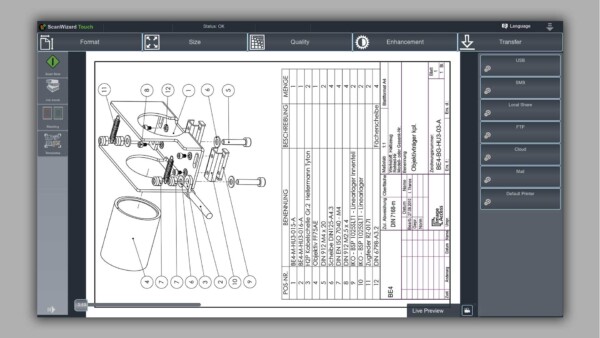
Digitizing turns those records into an organized resource. A manufacturer might digitize decades of machine drawings. A university might preserve rare books and research materials. A city might digitize historical property and infrastructure maps, and an architecture firm might convert decades of project drawings. In each case, the scanner isn’t just creating an image. It’s preserving what your organization knows.
WideTEK vs. BookTEK: Matching the Scanner to the Document
The right scanner depends on what you’re preserving.
- WideTEK scanners are best for large, flat originals: drawings, maps, plans, posters, and other oversized sheets.
- BookTEK scanners are designed for books, bound documents, and fragile materials where overhead capture is safer than feeding the original through a scanner.
Organizations with mixed archives often benefit from both. A university might use a WideTEK for oversized maps and a BookTEK for bound historical collections. A government archive may hold engineering drawings, property maps, newspapers, books, and fragile records that each need a different scanning method.
Don’t Wait Until Documents Are Already Deteriorating
One of the biggest mistakes is waiting until records are visibly damaged before starting a digitization project. The better shape an original is in, the better the scan, and the more information you preserve.
You don’t have to digitize everything at once. Start with the documents that are most valuable, most frequently used, oldest, or most at risk, then expand over time. What matters is having a plan.
Frequently Asked Questions
What’s the difference between a large-format scanner and a book scanner? A large-format scanner like the WideTEK feeds flat, oversized sheets, such as drawings and maps, through the scanner. A book scanner like the BookTEK captures pages from above while the book rests in a cradle, so bound and fragile materials never pass through rollers.
Do I have to throw away the originals after scanning? No. Many organizations keep their originals and use the digital files for everyday access. Handling the originals less helps them last longer.
Can scanned drawings be searched? Yes, with the right workflow. Consistent file naming, indexing, and metadata, plus OCR where it fits, let your team search by project, address, drawing number, date, and more.
Where should we start? Start with the documents that would be hardest to replace or that your team uses most. A small pilot helps you set file naming, resolution, and storage standards before you scale up.
The Bottom Line
Organizations create more information digitally every year, but decades of valuable knowledge still exist only on paper. The challenge is moving into a digital future without losing what’s in your past.
By converting drawings, maps, books, records, and historical documents into digital files, large-format and book scanners make information easier to access, share, protect, and preserve for future generations. The real value of digitizing isn’t getting rid of paper. It’s making sure the information on that paper stays useful. A document sitting in a cabinet is stored. A document that’s been digitized, organized, protected, and made accessible is information your organization can actually use.
Start Your Digitization Project with Source Graphics
Since 1989, Source Graphics has helped architecture, engineering, construction, government, and education customers find, install, and support the right large-format printing and scanning solutions. Our team can help you choose between WideTEK and BookTEK scanners for your archive, plan where to start, and back your equipment with factory-certified service after installation.
Contact Us
"*" indicates required fields